Why Is My AC Thermostat Not Responding to Temperature Changes?

A non-responsive thermostat is a common headache for homeowners. It acts as the brain of your HVAC system, telling the cooling system or heating system when to kick on and off. When it stops communicating, your comfort takes a hit. But don’t panic just yet. Often, the cause is something simple that you can fix yourself. In this guide, we’ll explore the common thermostat problems causing these issues and offer practical troubleshooting tips to help you get your home back to the desired temperature.

Check for Lost Power or Dead Batteries

Thermostats rely on power to function, and if that power source is interrupted, the device won’t respond. Many modern thermostats run on batteries. If the screen is blank or unlit, dead batteries are the most likely culprit.

If your unit is hardwired into your home’s electrical system, it might have lost power due to a tripped breaker or a blown fuse.

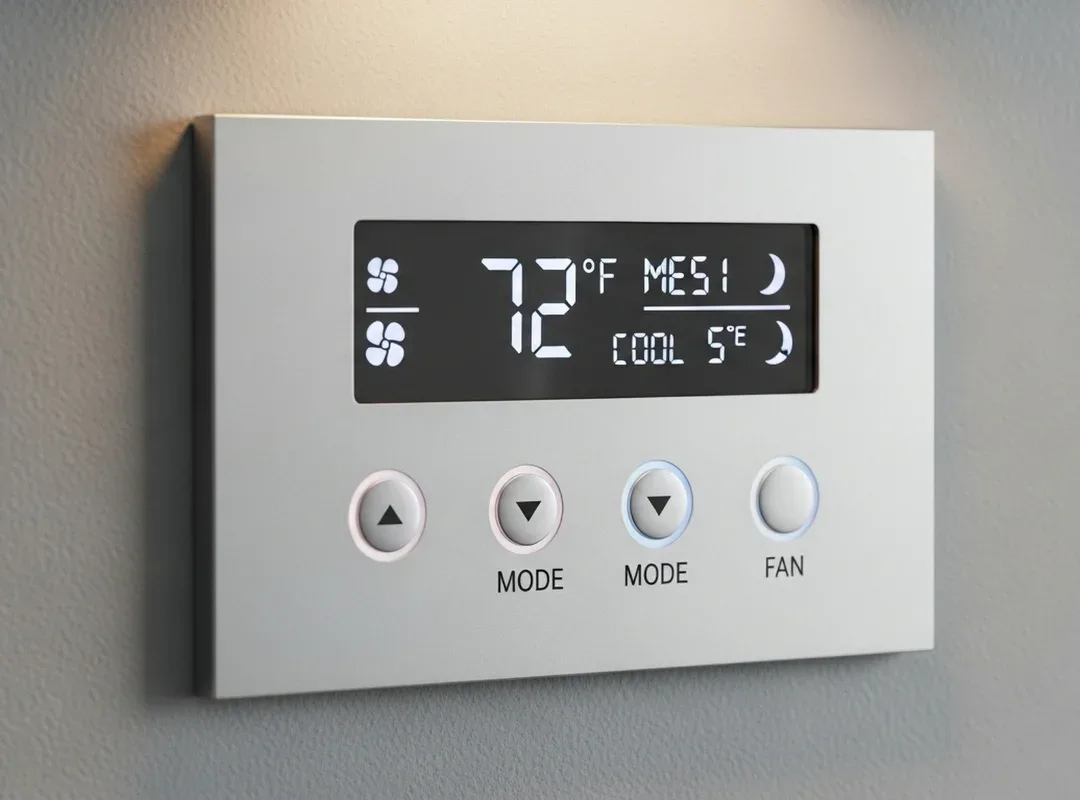
Why is My AC Thermostat Not Responding to Temperature Changes

Here’s an easy fix: Replace the batteries with fresh ones. If it’s hardwired, check your breaker panel to ensure the switch for the HVAC system hasn’t tripped. If it has, flip it back on. If it trips again immediately, you may have an electrical short and should contact a professional for HVAC maintenance.

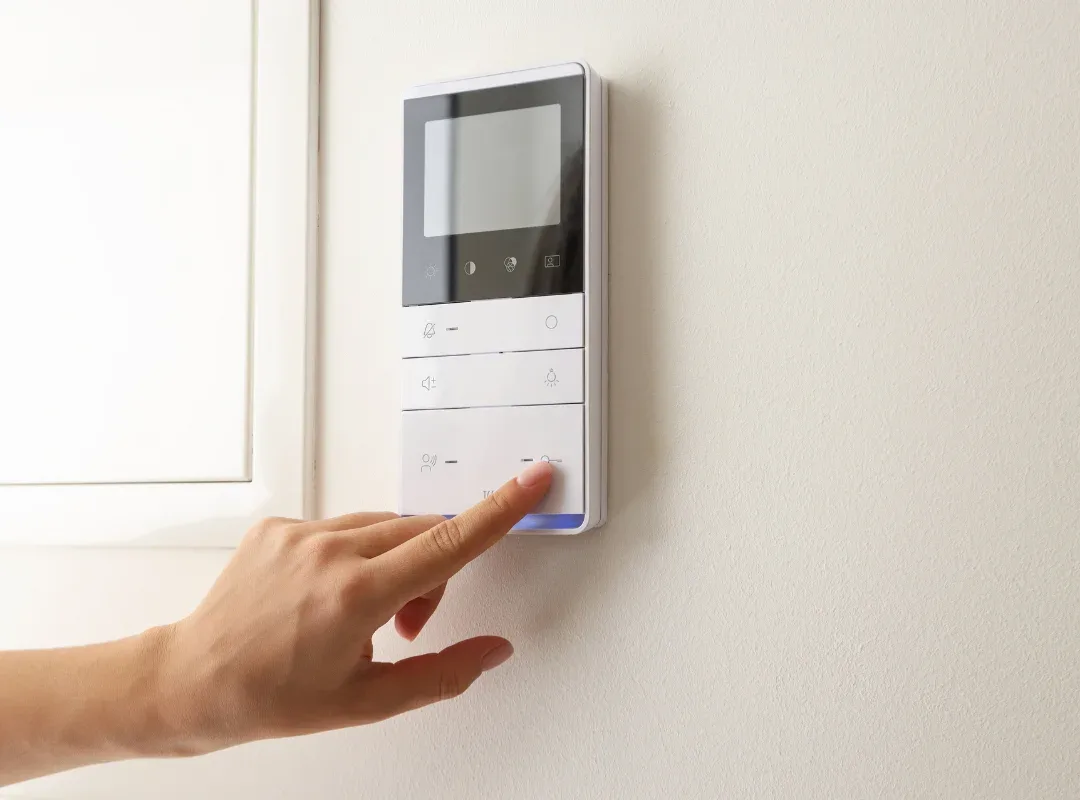
Thermostat Repair Green Street Hvac

Thermostat Placement & External Heat Sources

Avoid placing the unit in direct sunlight or near windows and doors that are frequently opened. The heat from the sun or warm air entering from outside can trick the sensors into thinking the room is much warmer than it actually is.

Is the thermostat near another appliance that generates heat, like a lamp or TV? Or perhaps it’s on a wall shared with a hot kitchen or a furnace room? These poor placement issues can confuse the thermostat temperature reading, causing it to shut off the AC prematurely.

Dirty Air Filters Blocking Airflow

It might seem unrelated, but dirty air filters are a leading cause of thermostat troubles. Your HVAC system needs proper airflow to function efficiently. When air filters get clogged with dust, dirt, and debris, air cannot pass through easily. This restricts the amount of air circulating back to the cooling system.

What to do? Inspect your filters monthly. If they look gray and clogged, replace them immediately. A clean filter allows for better airflow, improved energy efficiency, and ensures the thermostat temperature reading aligns with the actual room temperature. Plus, keeping filters clean helps avoid costly repairs down the road.

Call Us Today

24 Hours a Day, 7 Days a Week.

Loose Wiring & Electrical Components

If a wire comes loose, the signal to the HVAC system gets interrupted. This can lead to the fan running continuously, the compressor not starting, or the display going blank. Turn off the power to the HVAC system at the breaker before opening the thermostat cover. Inspect the wires connected to the terminals.

Tighten any loose screws and ensure the wires are firmly seated. If you see corroded or damaged wiring, it’s best to call in certified HVAC technicians to handle the repairs. Messing with electrical components without the right knowledge can cause further damage. Here are some tips for an electrical upgrade for your HVAC system.
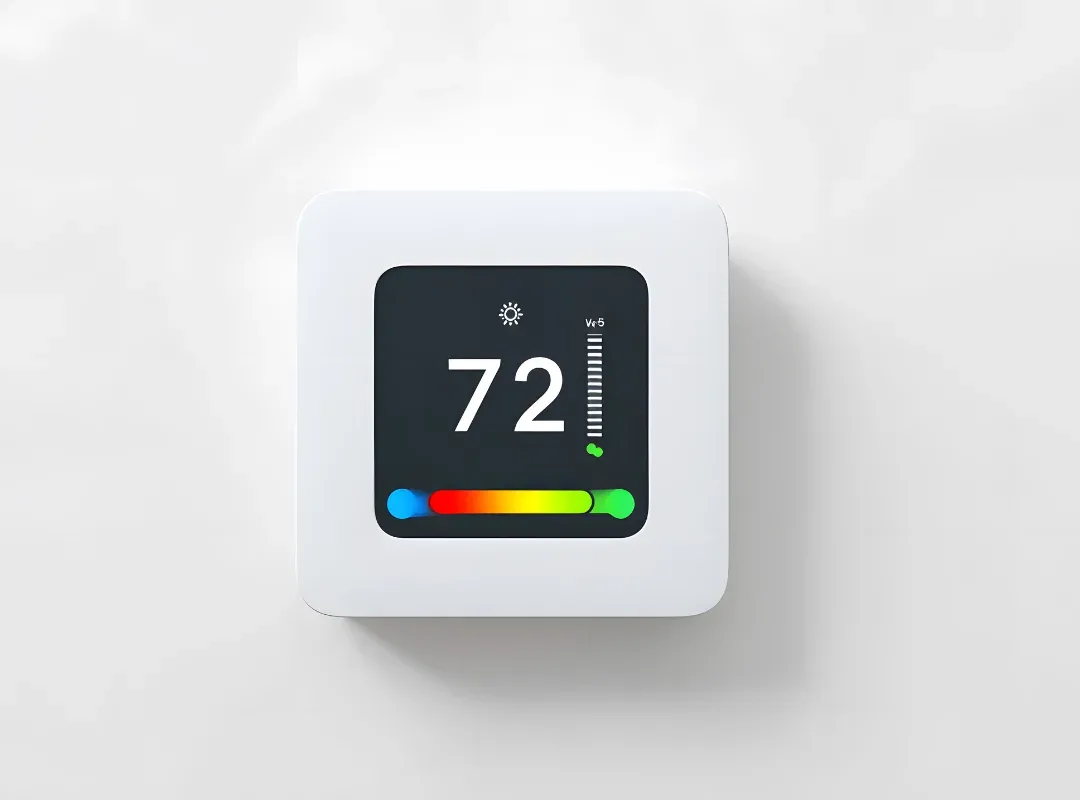
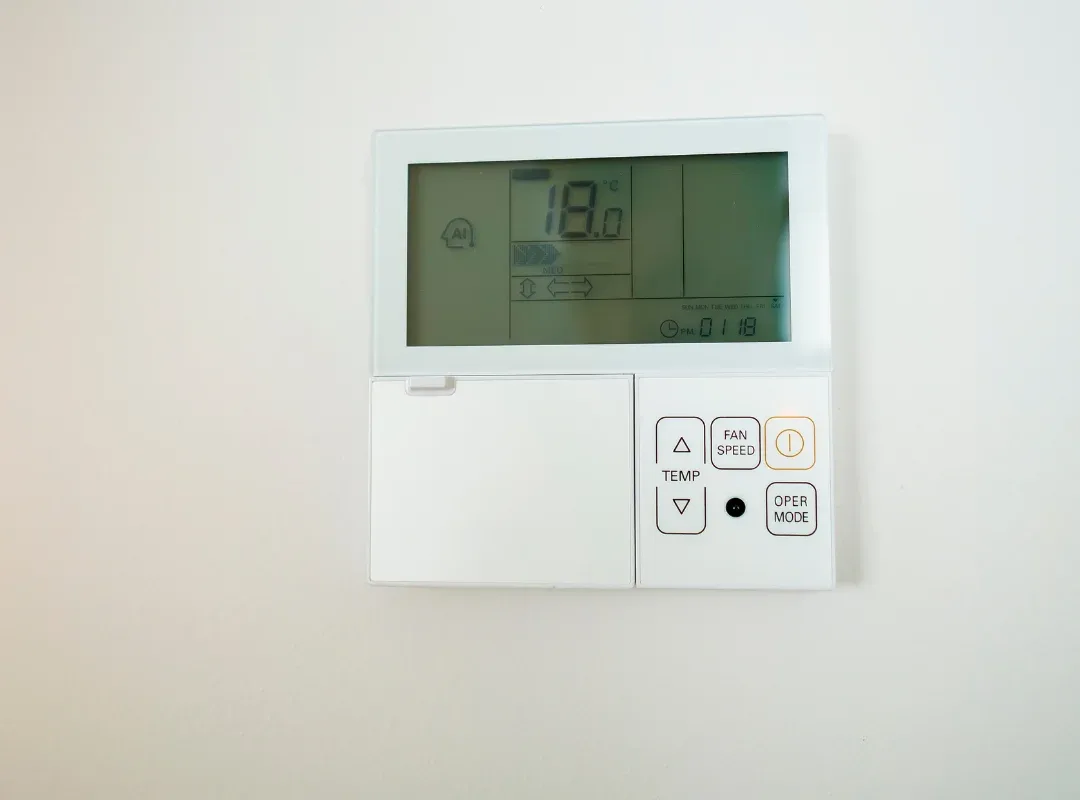
AC is Cold but the Thermostat is Not Going Down

Poor Home Insulation

This can allow cool air to escape and hot air to infiltrate rapidly. In this scenario, your AC might be running perfectly, but it simply can’t keep up with the heat gain. If your home has drafty windows, uninsulated attics, or gaps around doors, the thermostat will constantly read a higher temperature than the set temperature.

The system runs non-stop, wasting energy and driving up bills, yet the room never feels cool enough. Hence, homeowners often blame the thermostat malfunctions when the real culprit is energy loss.

The Thermostat is Not Matching the Room Temperature

Conclusion

A non-responsive thermostat can turn a comfortable home into a sauna quickly. By systematically checking these areas, you can often resolve the issue yourself and get your AC running efficiently again. However, if the problem persists or if you suspect wiring or system failures, reaching out to certified HVAC technicians is the smartest move. Keeping your thermostat and entire system in check ensures you stay cool while maximizing energy efficiency.

Contact an HVAC Professional for Complex Issues

If you’ve tried these troubleshooting tips and the thermostat is still not responding, the issue might be deeper within the HVAC system. It could be a faulty control board in the furnace or air handler, a bad transformer, or issues with the cooling components themselves.

Green Street HVAC has the tools to trace the electrical signals and pinpoint exactly where the communication breakdown is happening. They can determine if the problem lies with the thermostat, the wiring, or the unit itself. 

Contact Green Street HVAC to avoid causing more harm to your system.

LOOKING TO REPAIR, REPLACE OR UPGRADE?

Our experts can walk you through every step of the way, from prospected which tailored solution would be best for you, to installing and maintaing it…

Frequently Asked Questions

Below, we’ve addressed some commonly asked questions about water pooling around an AC unit. 

A: If your thermostat won’t change the temperature, it is often due to a locked screen setting (child lock), dead batteries, or the unit being set to “Hold” mode. It could also be a loose wire connection preventing the signal from reaching your hvac system. Check these simple fixes first.


A: Your AC might not respond if the breaker has tripped, cutting power to the unit. Other causes include a clogged air filter restricting Airflow, triggering a safety shut-off, or faulty wiring between the bad thermostat and the AC unit. If the thermostat display is blank, check the batteries.

A: This discrepancy usually indicates a calibration issue, meaning the thermostat’s internal sensor is reading the room temperature incorrectly. It can also happen if the thermostat is placed in direct sunlight, near a heat source, or if your home has poor insulation, allowing heat to enter faster than the AC can cool.

A: Signs include an unresponsive display or buttons, the AC system short cycling (turning on and off frequently), room temperatures that don’t match the setting, or the hvac system refusing to turn on at all. If replacing batteries doesn’t fix these issues, the thermostat is likely failing.

A: To reset most thermostats, try removing the batteries and putting them back in backward for 5 seconds, then reinserting them correctly. Alternatively, look for a small recessed reset button on the unit and press it with a paperclip. You can also flip the hvac breaker off for 30 seconds and then back on.

Call Us Today

24 Hours a Day, 7 Days a Week.

Why Choose Us

Proud To Be Your No. 1 HVAC Company

Quality

From the way we insulate our ductwork, to the running of the copper refrigeration pipe – our quality is like no other. We spend as much time as we need to insure that our jobs are done perfect. When choosing Green Street you know the job will be done right – on time – and always within your budget.

All Makes & Models

Green Street’s certified technicians are experienced and trained to service, maintain, install and repair all makes and models of commercial air conditioning & heating equipment.

Expertly Trained

Each one of our lead technicians have years of experience in all aspects of HVAC service in Nashville. It is mandatory for each technician to complete a full in house training calendar to insure that they are up to date on the latest residential air conditioning & heating equipment.

Call Us Today

24 Hours a Day, 7 Days a Week.